AI Chatbot
The AI chatbot handles bookings through natural conversations on Telegram and WhatsApp, available 24/7 and speaking in your brand’s voice.
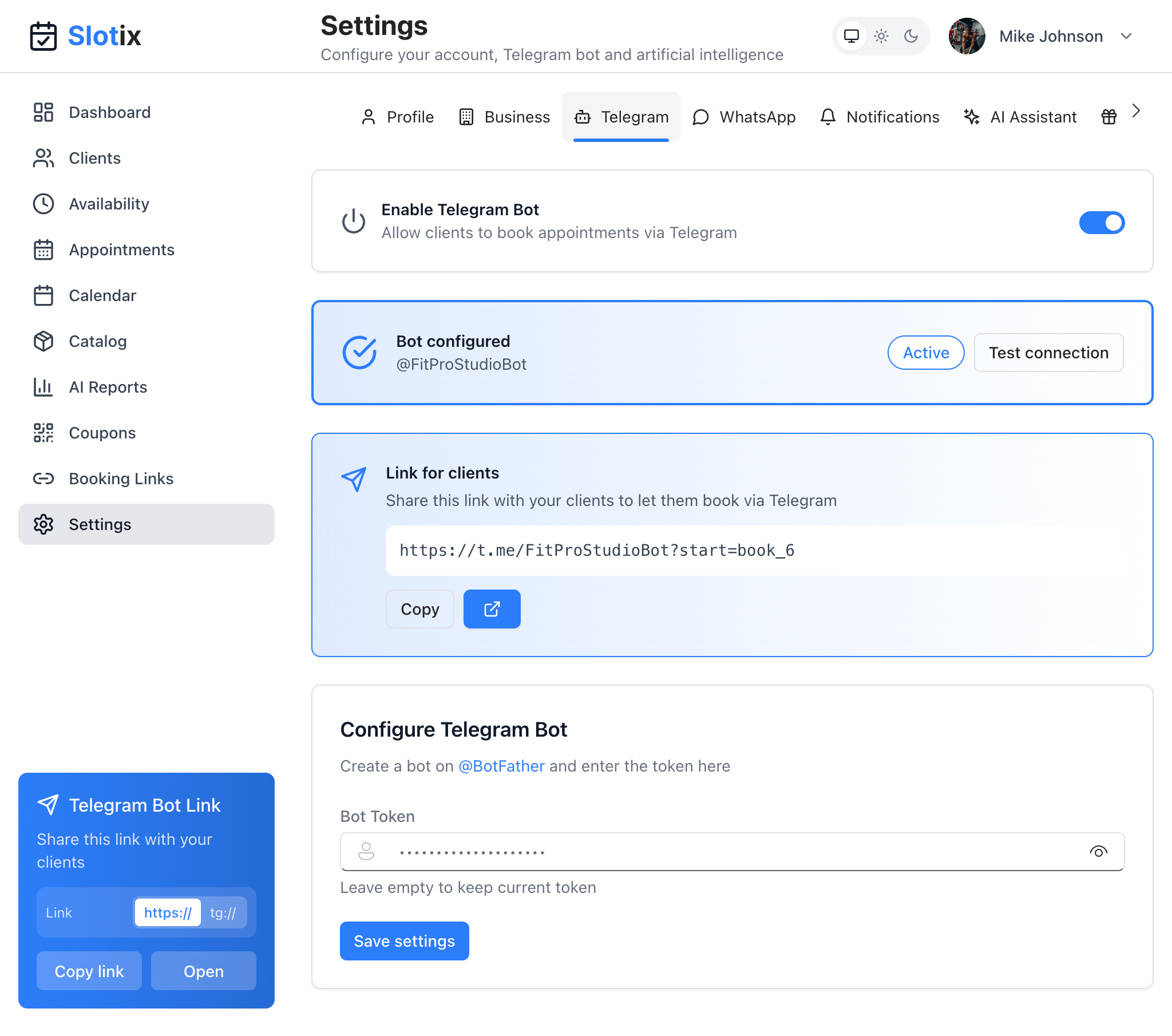
AI Assistant Settings
How It Works
The chatbot understands natural language and can:
- Answer questions about your services
- Show available time slots
- Help clients book appointments
- Handle rescheduling requests
- Provide business information
Customizing the Chatbot
Accessing AI Settings
Go to Settings from the sidebar, then select the AI Assistant tab.
Customize AI Behavior
The highlighted section at the top explains the purpose:
Configure a custom prompt to adapt the AI assistant to your business type. The AI will use these instructions to handle conversations with your clients.
Examples by Business Type
To quickly get started, use the template system:
- Select a category - Choose your business category from the dropdown
- Select a profession - Pick your specific profession
This provides a pre-written prompt tailored to your industry that you can customize further.
Your Custom Prompt
This is where you define how the chatbot communicates:
- Click the Edit tab
- Write your custom prompt describing:
- Your business and services
- Your experience and qualifications
- The tone and style to use
- Any specific instructions
Example prompt:
“I’m Mike Johnson, a certified personal trainer with 10 years of experience in New York. I offer personalized training, athletic preparation, and nutritional consultations. Respond in a friendly but professional manner.”
The Preview tab lets you see how your prompt will appear to the AI.
Tip: Click the AI icon (sparkle) next to the prompt field to get AI-generated suggestions for improving your prompt.
What’s Included Automatically
Your services and prices are automatically included in the AI’s knowledge, so you don’t need to list them in your custom prompt.
AI Providers
Slotix supports multiple AI providers. The system automatically handles the AI conversations, so you don’t need to configure API keys separately.
Language Support
The chatbot automatically detects the client’s language and responds accordingly. Supported languages:
- Italian
- English
- German
- French
- Spanish
- Portuguese
Chatbot Capabilities
Booking Flow
A typical booking conversation:
- Client: “I’d like to book a haircut”
- Bot: Shows available services
- Client: Selects service
- Bot: Shows available dates
- Client: Selects date
- Bot: Shows available times
- Client: Selects time
- Bot: Confirms booking and sends confirmation
Answering Questions
The chatbot can answer:
- Service descriptions and prices
- Business hours and location
- Availability for specific dates
- Cancellation/rescheduling policies
Smart Suggestions
Based on client history, the chatbot can:
- Suggest their usual service
- Propose their preferred time slots
- Remind about loyalty rewards
Tips for a Great Chatbot
- Complete your catalog - Detailed service descriptions help the AI
- Set clear availability - Accurate hours prevent booking errors
- Write a detailed prompt - More context = better responses
- Use the templates - Start with a business-type template
- Test regularly - Try the chatbot as a client would
- Review and iterate - Refine your prompt based on conversations